Initializing the environment using MKDocs
MKDocs
MkDocs is a static site generator specifically geared toward creating project documentation. It’s written in Python and uses Markdown files for content. As someone who isn't strongly geared towards software or web development, it saved my life for this project. I needed a solution that would allow me to make pages that were heavy on both text and images while not having to worry hard about formatting and style.
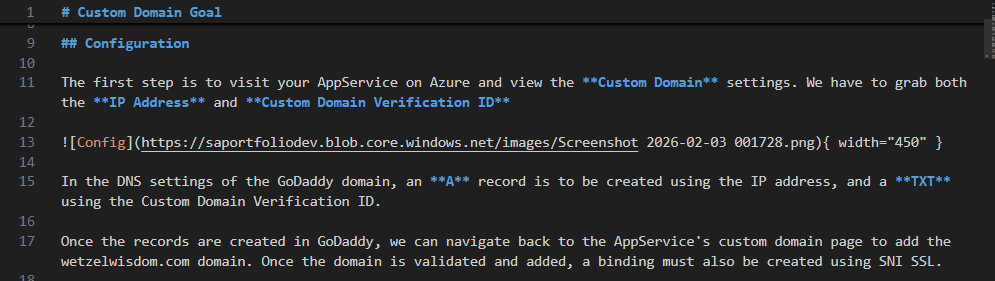
Above is a code snippet of a markdown file that mkdocs would use. I love how simple it is to format.
pip install mkdocs mkdocs-material
First command, ran using Bash in VSCode. This installs MkDocs. This is also included in the requirements.txt file for the AppService.
mkdocs new .
Also ran using Bash in VSCode. This creates the mkdocs.yml file and docs folder in the same location.
mkdocs.yml: Your configuration file (where you'll set the site name, theme, and nav)
docs/: The folder where all your .md files (like vnet.md) will live.
mkdocs serve
MkDocs will give you a local URL (usually http://127.0.0.1:8000/) to present your webpage.